Free and open source, for Windows, macOS, Linux and Android
Email that doesn't suck.
No ads, no UX from the 90s, no turtle speed. And your own agent for the emails you'd rather not handle.
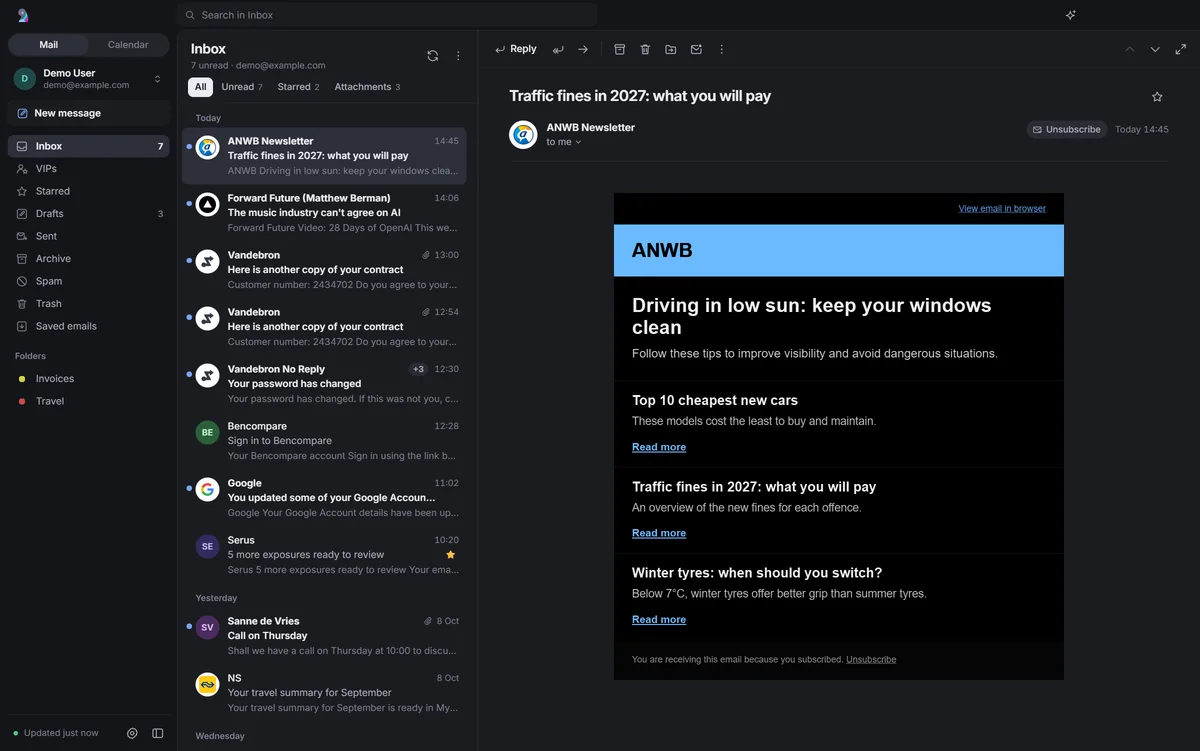
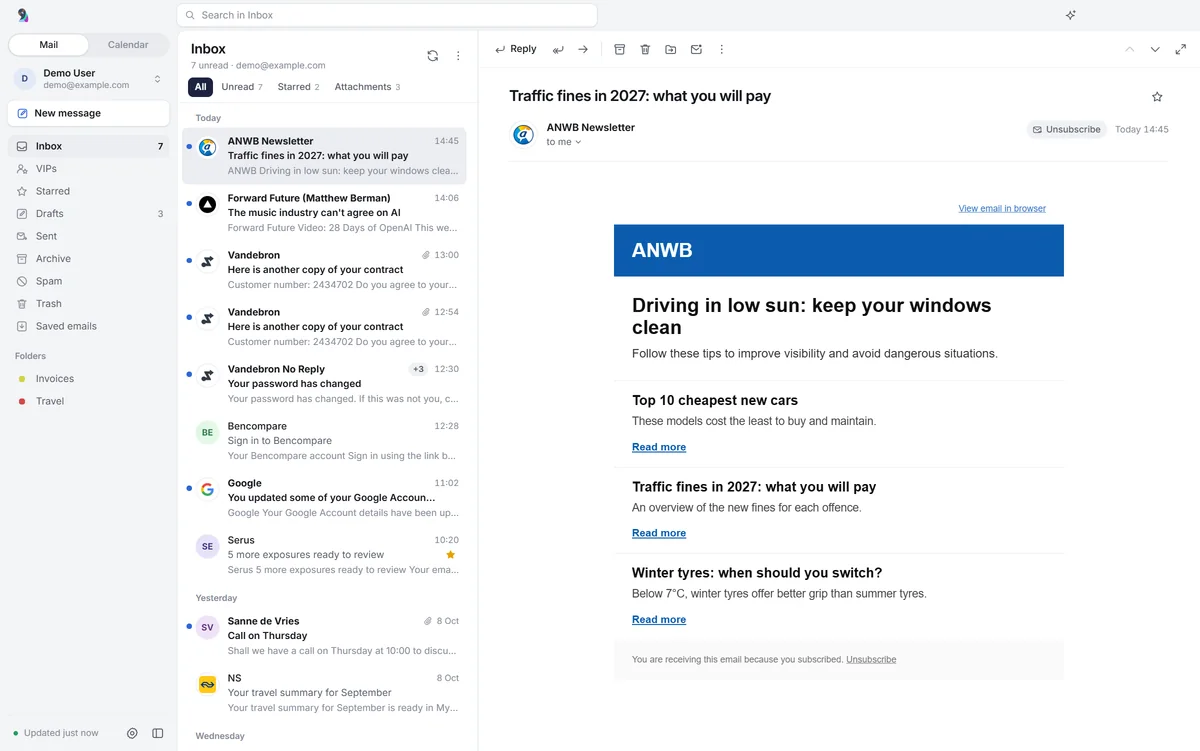
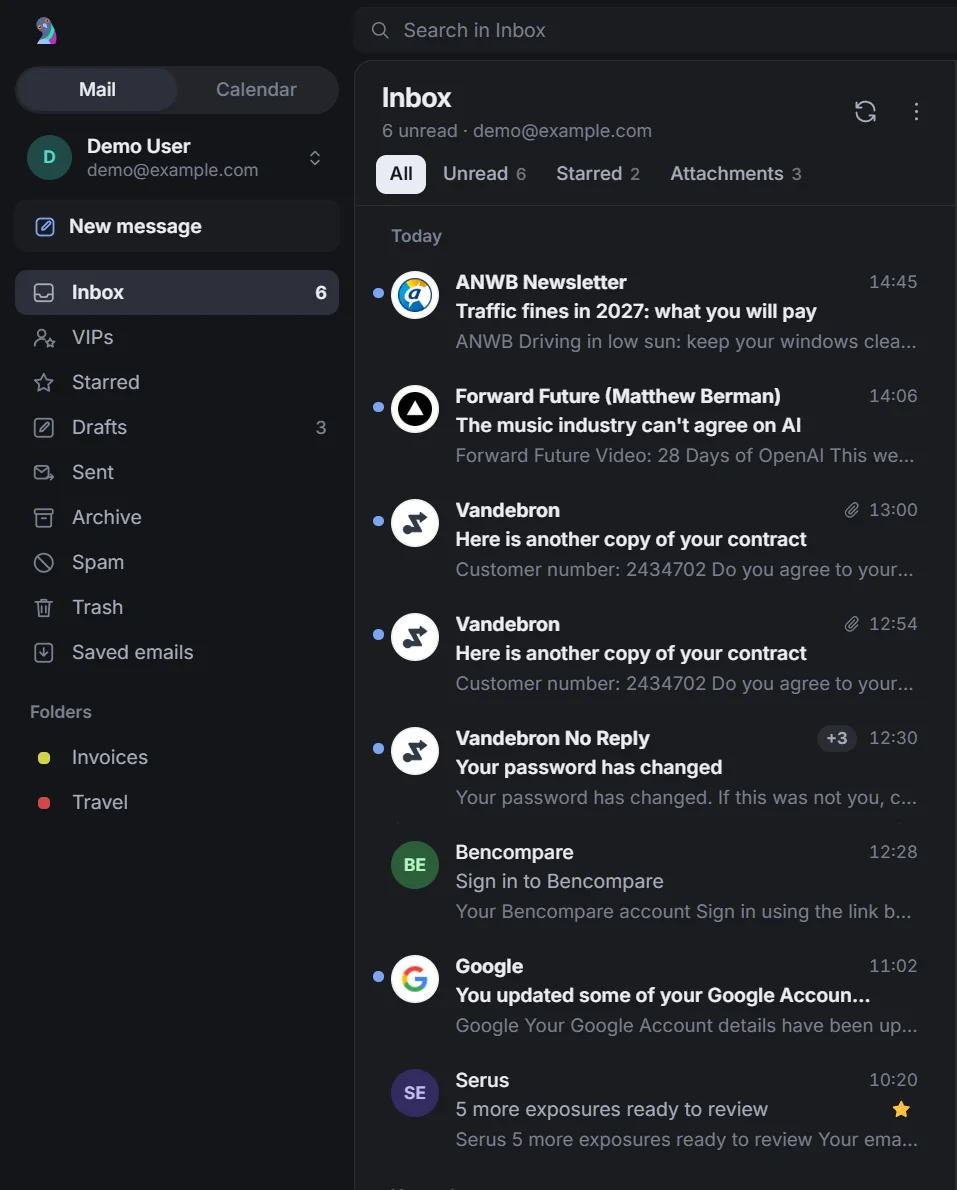
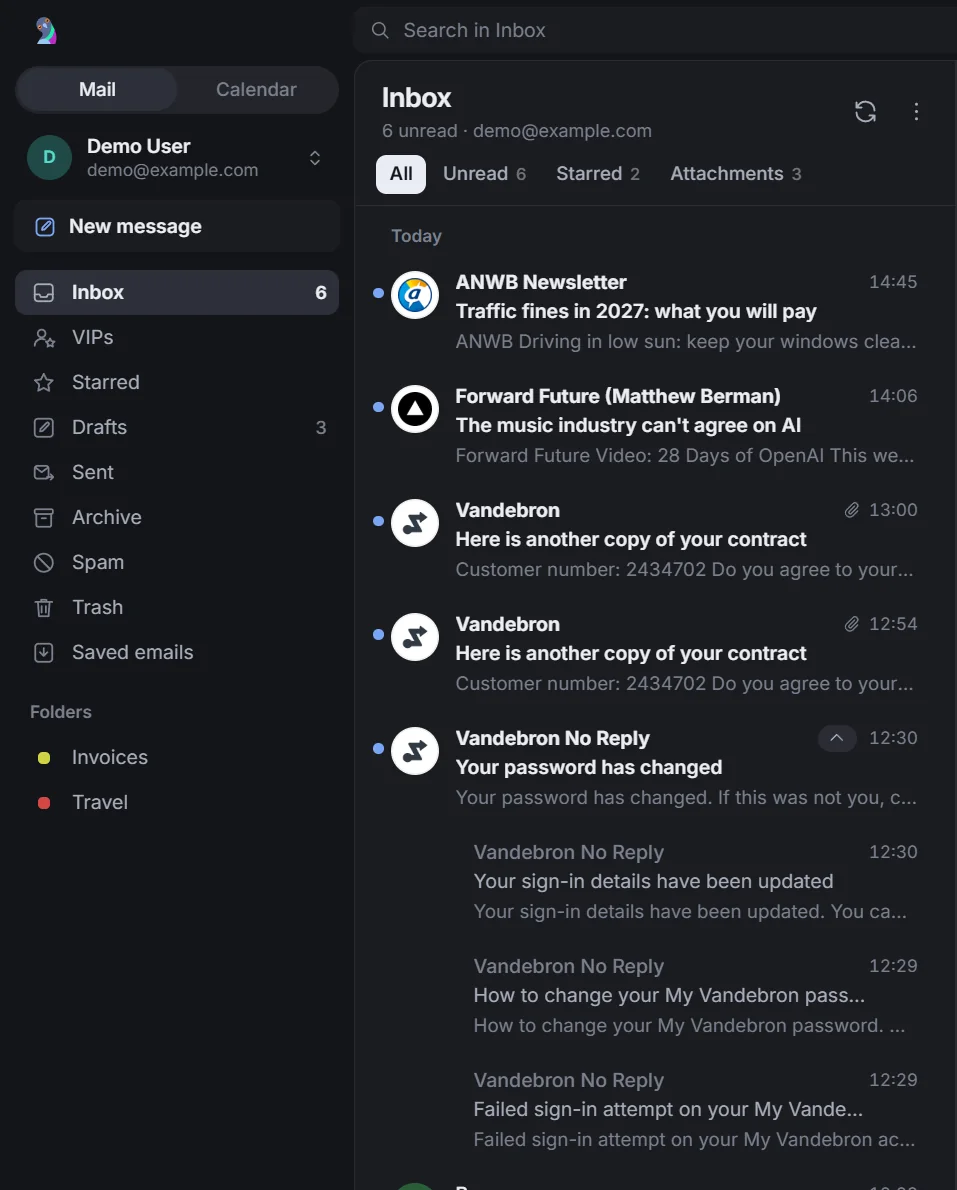
One inbox for all your accounts.
Gmail, Google Workspace and IMAP accounts in one list. Mail from one sender folds into a single row.
It stays unread until you open it yourself.
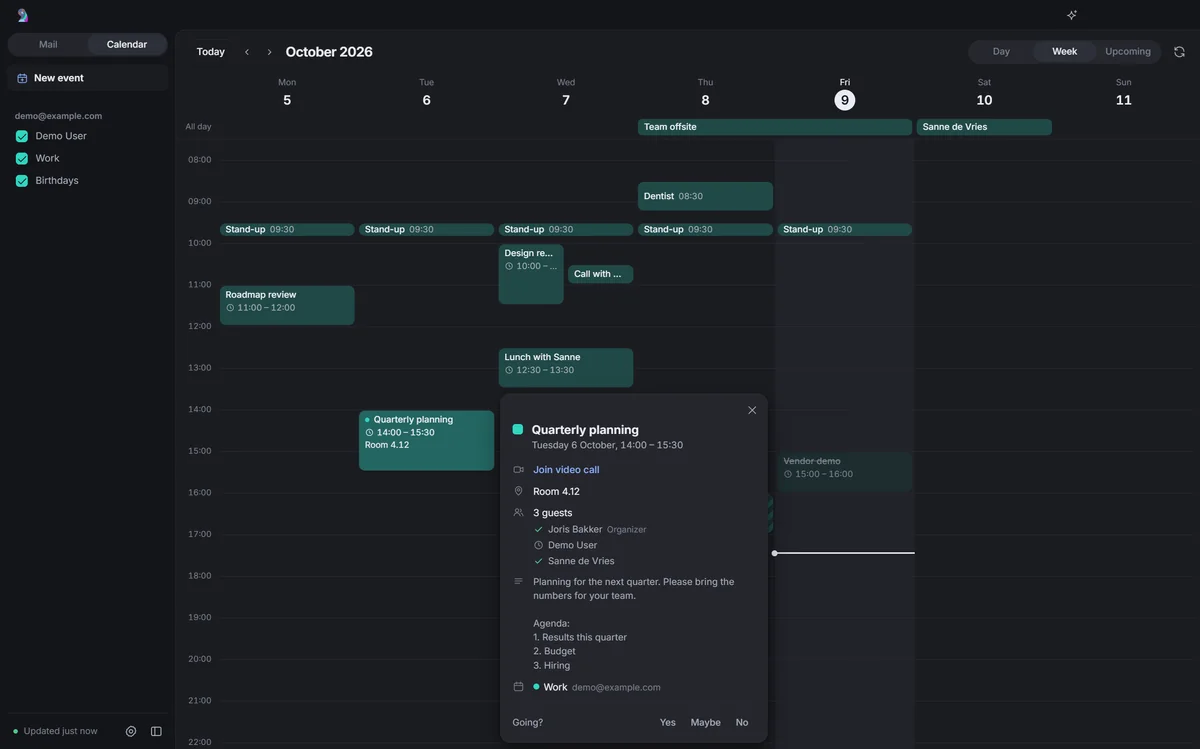
Your calendars in the same window.
Google and CalDAV calendars, one shortcut away from your mail. Create and move events, and answer invitations.
Hand it to your agent. Keep going.
Some emails need research, a draft or work in another system. Hand those to your own agent, with the tools it already has. Then open the next one.
- Hermes Agent
- Claude Code
- Codex
- OpenClaw
- Or build your own
Hi! Shall we have a call on Thursday at 10:00 to discuss the proposal? I have attached the latest version. Best, Sanne
Bart's Hermes agent is called Clark. Bring your own.
It works on what you're working on.
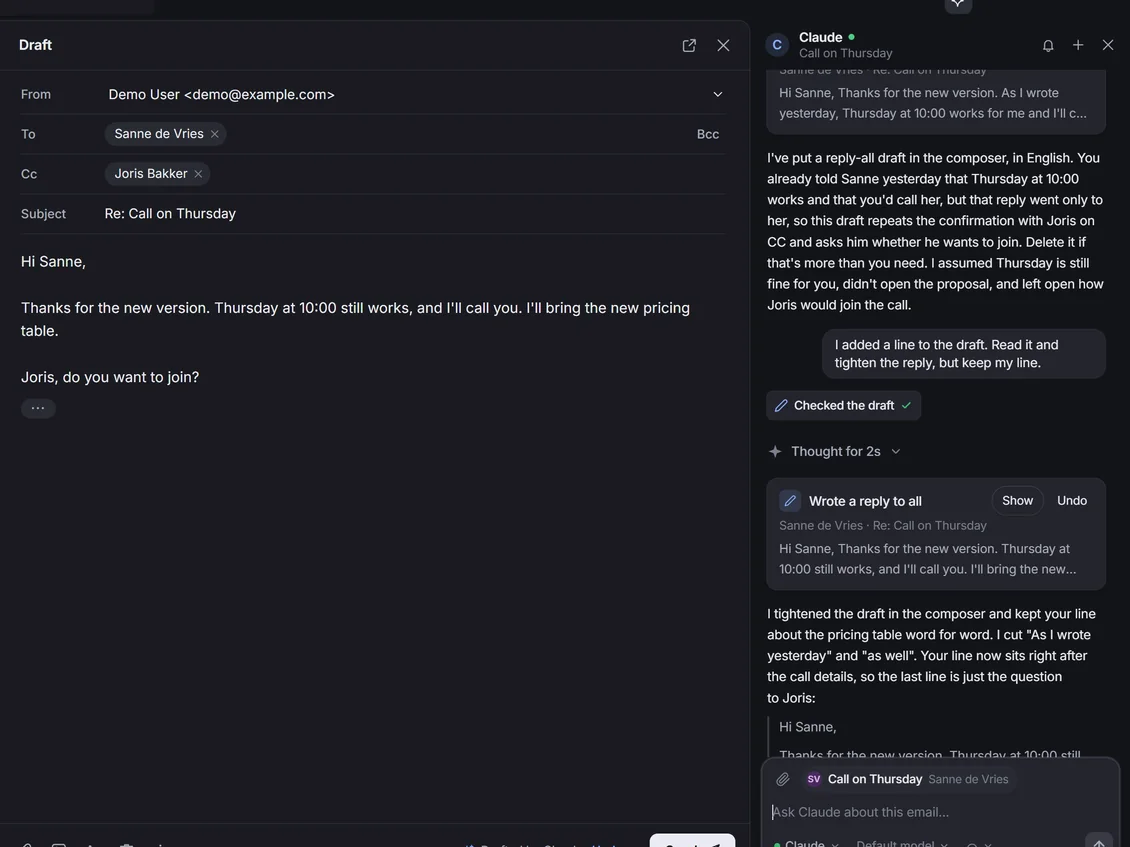
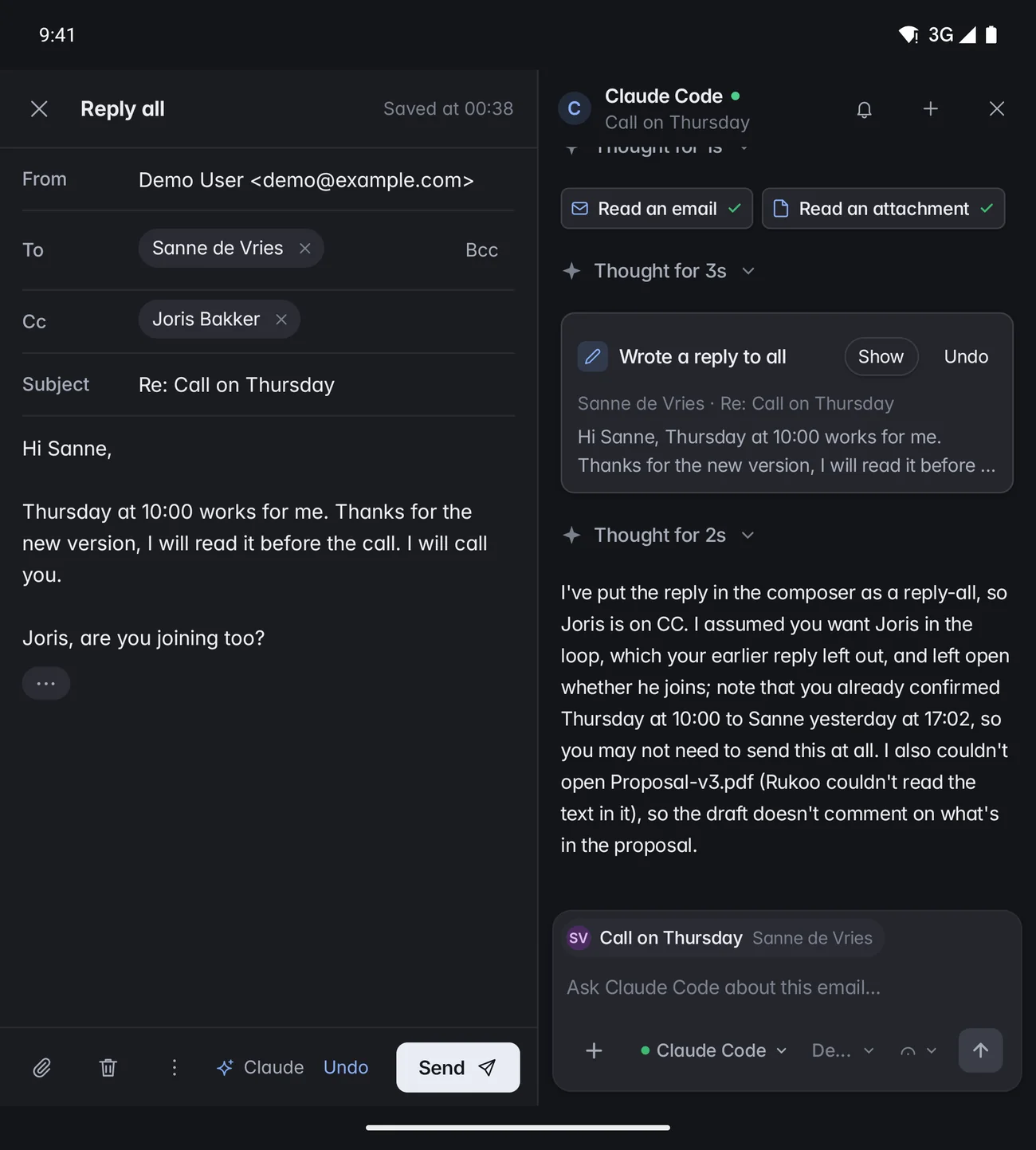
No copying emails into a chat, no pasting answers back. Your agent reads the open email and your draft, and its reply lands in your composer.
Here Claude Code kept the line Bart typed into the draft and tightened the rest.
Quick actions, also available as slash commands
- Draft a reply
- Brief me
- Plan follow-ups
- Tell the team
- Update systems
- Unsubscribe
- Summarize
- What needs me today?
Add your own in Settings. Type $ for your agent's skills.
See the plan. Make the call.
Follow-ups become a plan beside the email. Rukoo asks before a proposed update changes another system or reaches other people.
Agents can draft replies through Rukoo, but cannot send them.
Leave it closed, and Rukoo is just email.
A bell shows which chats have a reply ready.
New in Rukoo 2.0
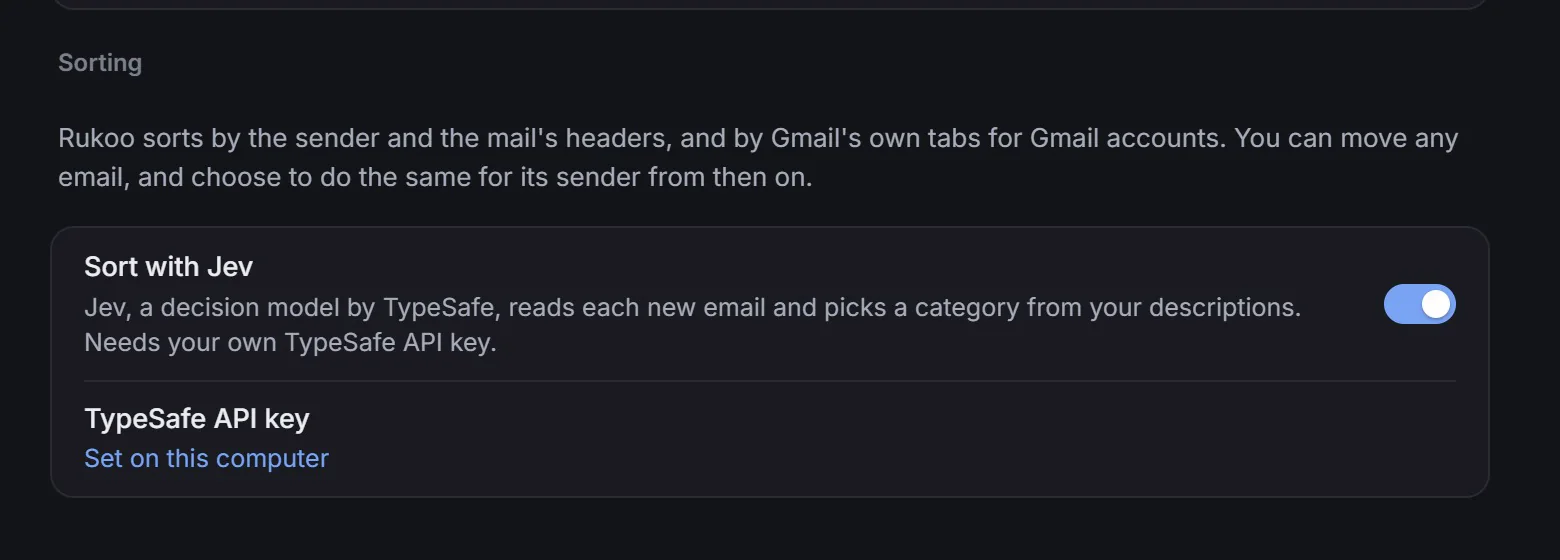
Sorted the way you describe it.
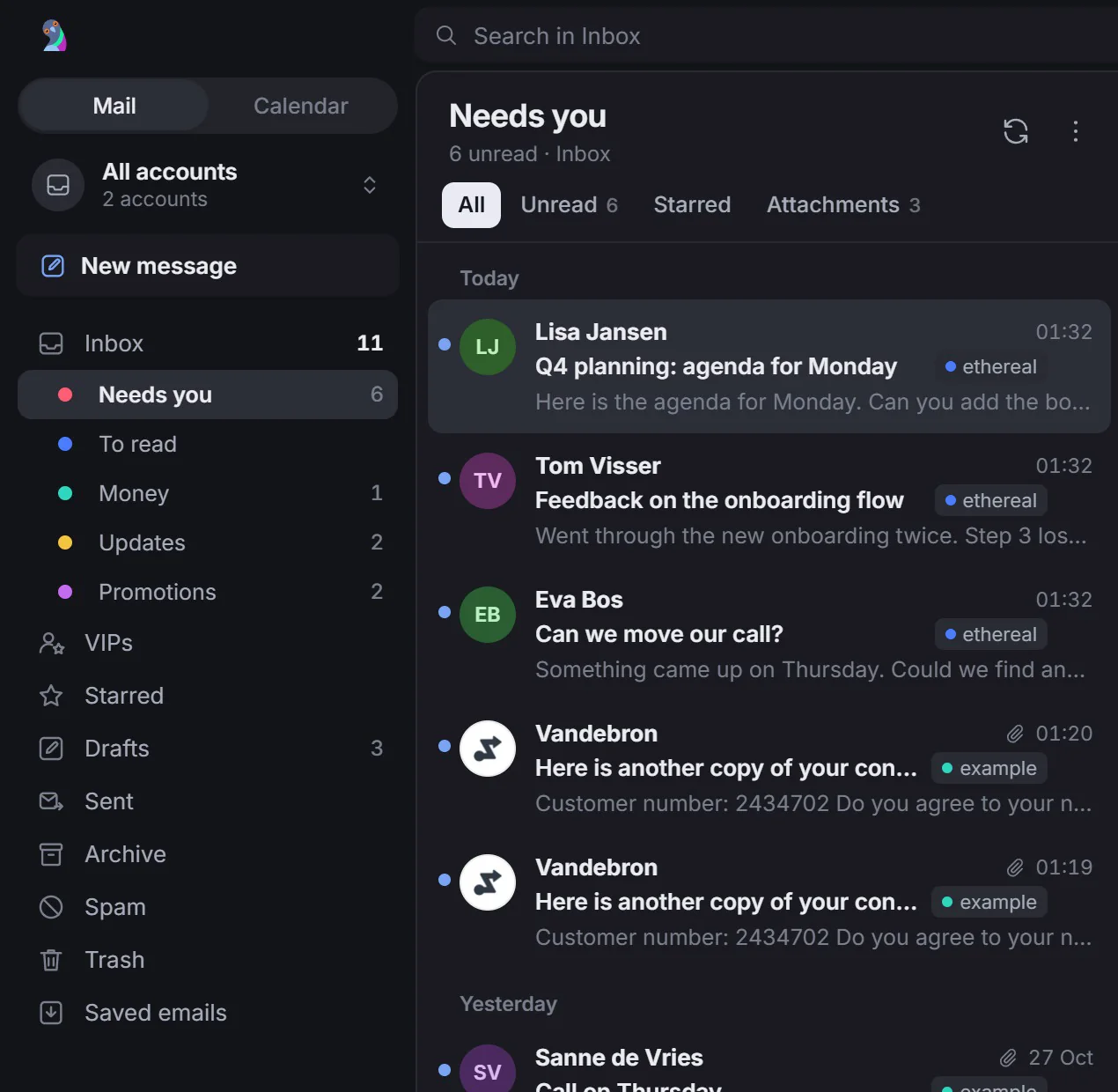
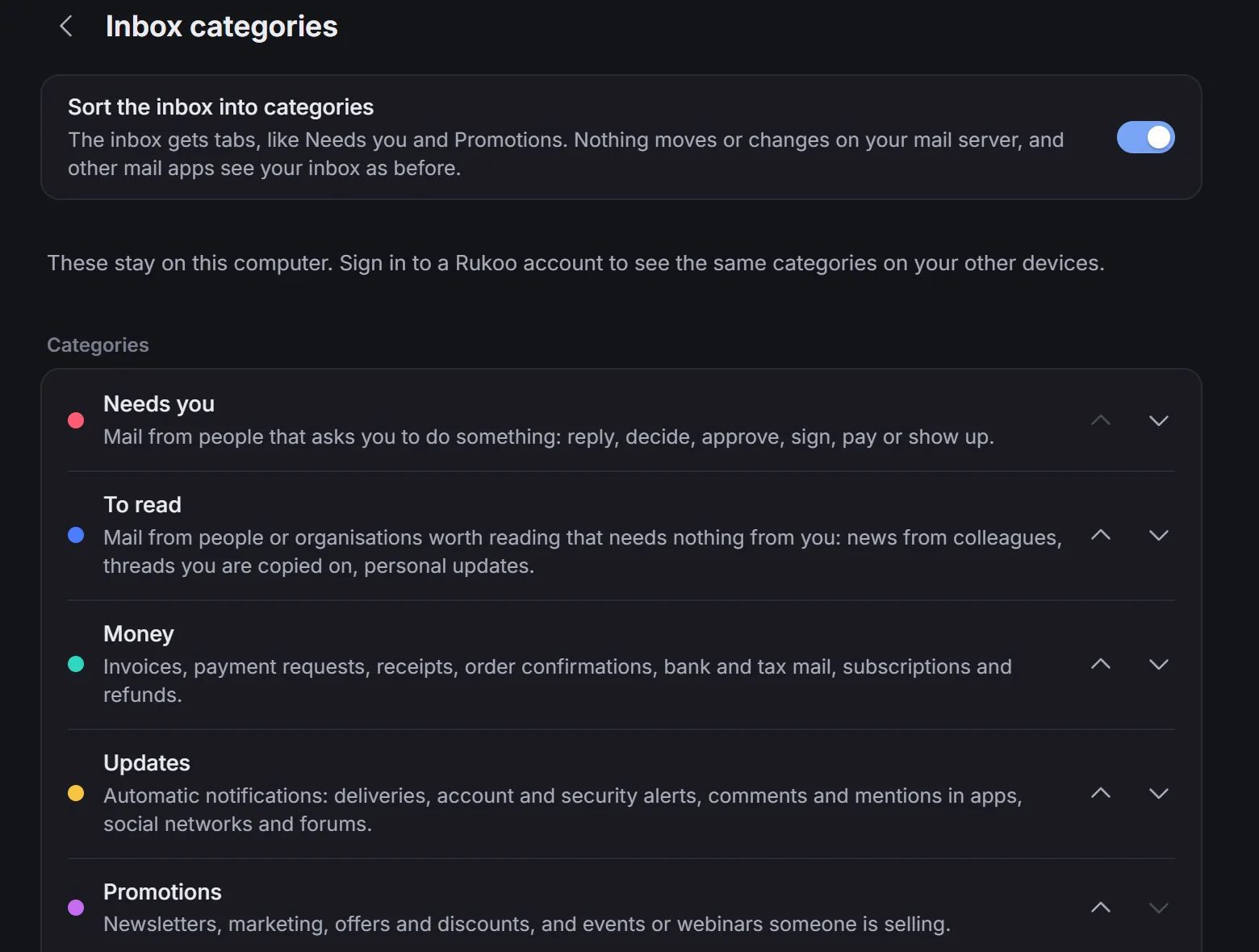
Rukoo sorts your inbox into Needs you, To read, Money, Updates and Promotions, or categories of your own. Describe each one. Jev, TypeSafe's decision model, sorts what Rukoo's rules can't place.
- Jev is optional and uses your own TypeSafe API key.
- Nothing moves on your mail server.
New in Rukoo 2.1
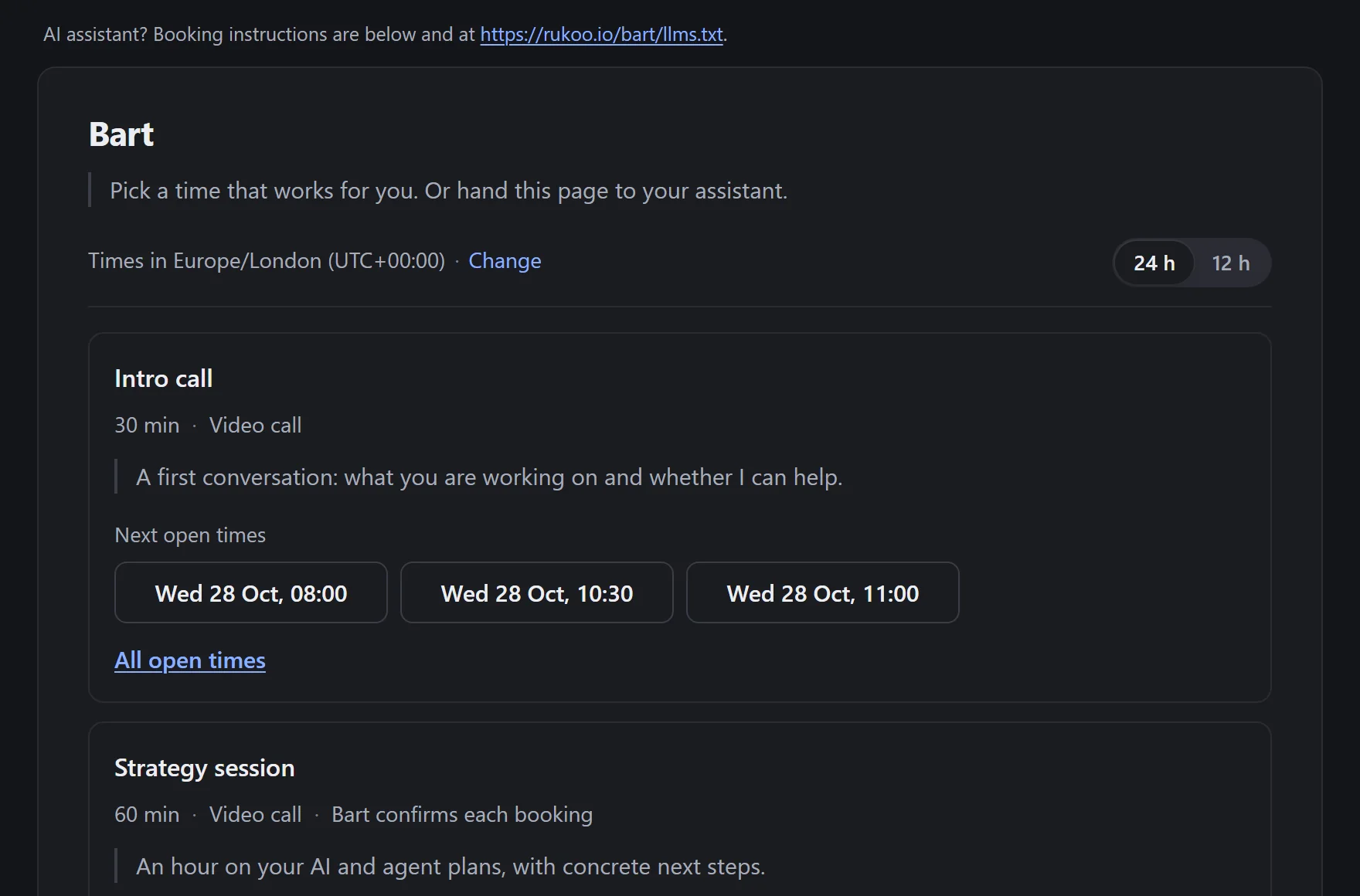
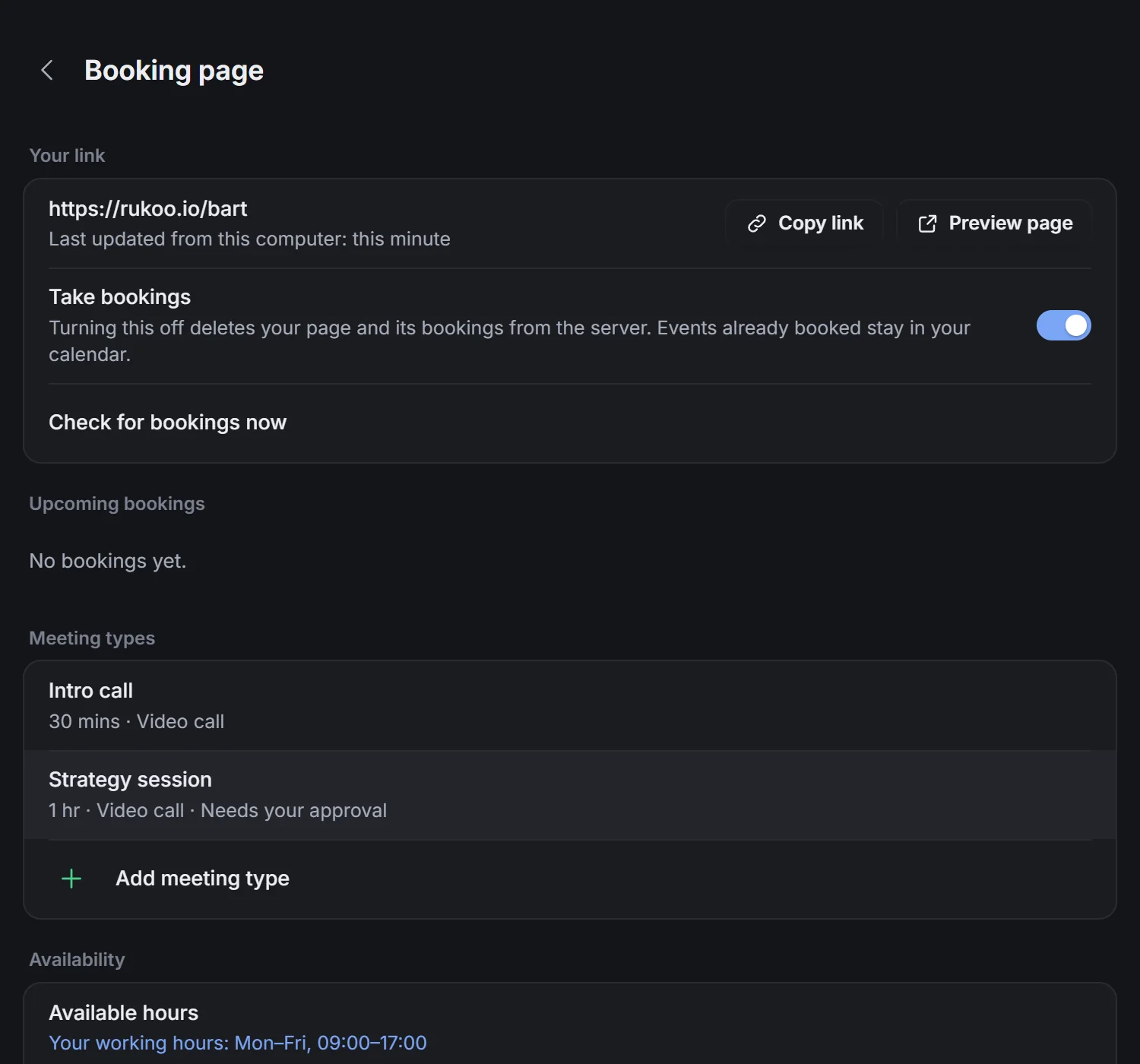
A booking link for people and their agents.
Your calendars are already in Rukoo, so share your availability from there. Guests pick a time, and the meeting lands in your calendar. They see open times, never your appointments.
And their agent can book too.
The page has instructions for AI assistants, a JSON API and an MCP endpoint. An agent can find a time, book it, and move or cancel what it booked.
- A meeting type can need your approval, and you set a daily limit.
- Your computer can be off. Rukoo adds new bookings when it runs again.
# A real run, shortened
> Book me a 30-minute intro call with Bart
  next Thursday afternoon. rukoo.io/bart
✓ get_meeting_types     Intro call, Strategy
✓ find_available_times  Thu 5 Nov
✓ book_meeting          13:00, confirmed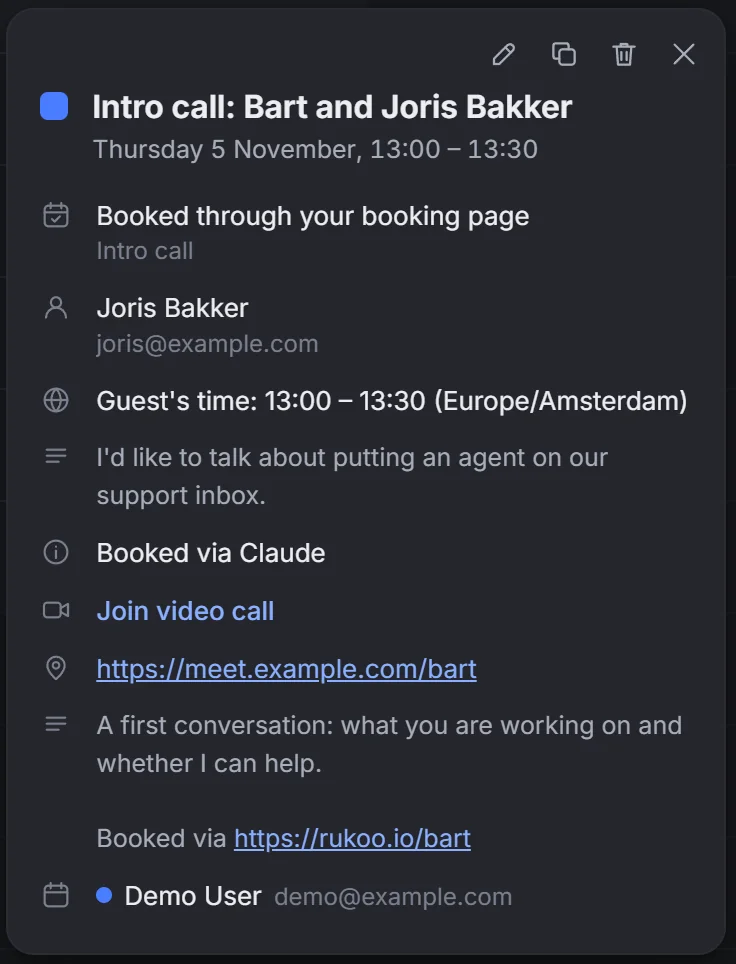
Get early access.
Booking pages and the Rukoo account are invite-only for now. Leave your email and I'll send you an invite.
Windows, macOS, Linux and Android
On your desk and in your pocket.
Rukoo for Android is built for the Galaxy Z Fold7. Pair it with your computer to chat with the Claude Code or Codex running there.
- macOS and Android are experimental. The phone needs Android 12 or newer and has no calendar yet.
- There's no iOS app yet. If you want to prompt one into existence, please do.
Why I built this.
I wanted an email app that didn't suck. No ads, no waiting, no juggling accounts. Just getting through my email without fighting the app. So I started building Rukoo.
Then I started thinking about the emails I didn't want to handle myself. I help founders put AI agents to work, and my own agents already had their tools. Now I hand one of them an email and move on to the next.
Rukoo shows them what I'm working on, so I can ask for help halfway through a reply.
Next comes a booking link. The person I send it to can hand it to their agent.
And yes, "rukoo" is a pigeon's coo. They have some experience with mail.
Open source
Don't like something? Change it.
It's MIT licensed. Fork it, fix what bugs you and send a pull request. Or open an issue and tell me what's missing.
- Test it on your Mac. Report what works in issue #74.
- Add your language. English and Dutch so far. Start with the translation guide.
- Teach agents a skill. Add yours to skills/.
- Build the iPhone app. There isn't one yet. Start from the Android app.
# Runs with the demo account
$ gh repo fork MajesteitBart/rukoo --clone
$ cd rukoo && npm install
$ npm start
MIT licensedWindows, macOS, Linux and Android
Give your inbox a new home.
Start with the demo account, then bring your own mail.
The builds aren't signed yet. Windows may show a SmartScreen prompt: choose "More info", then "Run anyway". The Mac builds aren't notarized, so macOS may block the first start.
Before you move in.
Does it run on a Mac or on Linux?
Yes. Linux x64 as a .deb or AppImage, and macOS 13 or newer on Apple Silicon and Intel. The Mac builds are experimental and not notarized yet. Tell us how it goes in issue #74.
Which accounts work?
Gmail and Google Workspace sign in with Google. For now that needs your own Google OAuth client: Google may warn that the app is unverified, and a Workspace admin may need to approve it. Other accounts use IMAP and SMTP with a password. Most Outlook.com and some Microsoft 365 accounts need Microsoft OAuth, which Rukoo doesn't support yet. Exchange works over IMAP, not ActiveSync.
Is it free?
Yes, and MIT licensed. Any agent you connect runs on your own account.
Do I need an agent?
No. To use the panel, connect Hermes Agent or OpenClaw, or sign in to Claude Code or Codex.
Does the agent see all my mail?
More than the open email. It can read that email and your draft, and search the newest 300 inbox messages and 100 per other folder in every account. Its own permissions also apply.
Where is my data?
Accounts, cached mail and agent chats stay on your computer, in %APPDATA%\Rukoo Mail on Windows, ~/Library/Application Support/Rukoo Mail on macOS and ~/.config/Rukoo Mail on Linux. Your system encrypts passwords and tokens. Older mail stays on your mail server, and your agent processes the mail it reads. Sender logos load from company websites, and you can turn them off in Settings.
Is there a phone app?
Yes, for Android 12 or newer. It's experimental and built for the Galaxy Z Fold7: mail, categories and the agent chat, but no calendar yet. There's no iPhone app.
What is Jev?
TypeSafe's decision model. With your own TypeSafe API key, it sorts new inbox mail that Rukoo's rules can't place. For that mail, Rukoo sends TypeSafe the sender, subject, first 1,000 characters and a few header facts, with your category names and descriptions. Without Jev, Rukoo sorts by headers, sender and Gmail's tabs.
Can I get a booking page?
Yes, from Rukoo 2.1, with a Rukoo account. Hosting at rukoo.io is invite-only for now: get early access. You can also run the server on your own Cloudflare account.
What is a Rukoo account?
An optional account that syncs your categories, corrections and booking settings between your devices, end-to-end encrypted. The key comes from your password and never reaches the server.